Google Business Profile for builders: a complete setup guide
The short answer
A Google Business Profile for builders is free and takes an afternoon to set up properly: claim or create the listing, verify it (Google says its review can take up to 5 business days), choose the most specific primary category, hide a home address and add up to 20 service areas, list every service, add real job photos and ask every client for a review.
How UK builders and trades set up a Google Business Profile: verification, categories, service areas, photos, reviews and what gets profiles suspended.
A Google Business Profile is the listing that shows a building firm on Google Maps and in the map results for searches like "builder near me". It is free, and Google says businesses with complete and accurate information are more likely to show up in local search results.
This guide is for UK builders, contractors and trades setting up a profile or fixing one set up in a hurry: verification, service areas, categories, the fields worth filling in, reviews, posts and what gets profiles suspended.
A Google Business Profile is one part of SEO for construction companies. The profile, the website and the reviews work together, so the profile should point to a website that backs up what it says.
How do I claim and verify a Google Business Profile for a building firm?
To claim a Google Business Profile, search for the business name on Google Maps, claim the listing if one already exists, and only create a new profile if nothing comes up. Google's guidelines say there should be only one profile per business, and a duplicate splits reviews and can lead to suspension.
Verification proves you are allowed to manage the business. Methods include phone or text, email, a live video call, a postcard and a recorded video, and Google decides which ones each business can use. Google says its review can take up to 5 business days after you finish the steps, and postcards usually arrive within 14 days.
What should a builder film for video verification?
For a service-area business such as a builder, Google asks the video to show:
- Where the business operates: street signs or landmarks near the address entered (a home street is fine)
- That the business exists: tools, equipment, branded workwear or business cards
- That you manage it: something only the business can access, such as opening the locked work van
Record on a phone through the Business Profile itself, and keep other people's faces, bank details and ID numbers out of shot.
Should a builder show an address or a service area on Google?
A builder whose clients do not visit the premises should hide the address and set service areas instead, because Google's guidelines say service-area businesses should hide their business address from customers.
A builder with a yard, office or showroom that is staffed and open to customers can show the address and also set service areas, which Google calls a hybrid business.
Google allows up to 20 service areas, set by town, city or postcode area, and says the overall area should not extend more than about 2 hours' driving from where the business is based. Choose towns you genuinely work in. A huge area does not make a profile relevant everywhere, because distance from the searcher still counts.
Never use a virtual office or PO box to get a pin in a town where the business has no base. Google's guidelines say neither is eligible unless the office is staffed during business hours.
Decision rule: if a customer could walk into your premises during opening hours and find a member of your team, show the address. If not, hide it and use service areas.
Which Google Business Profile category should a builder choose?
A builder should choose the most specific primary category that describes the core business, such as "Roofing contractor" rather than "Contractor", because Google's guidelines ask for categories that are as specific as possible while representing the main business.
Google suggests a simple test: the category should complete the sentence "This business IS a…", not "This business HAS a…". A building firm that fits kitchens as part of extensions is still a builder, not a kitchen showroom.
Add secondary categories only for genuine service lines, and use as few as possible. Google's guidelines say not to use categories solely as keywords, and categories for work the business does not do can lead to suspension. Category names are fixed by Google, so pick the closest match from the list, and revisit the primary category if the business changes, for example if most work moves from extensions to roofing.
What details should a builder fill in on a Google Business Profile?
A builder should fill in every field that is true for the business: name, category, description, services, hours, phone, website, photos and attributes. Google says complete and accurate information makes a business more likely to show up in local results.
| Field | What to enter | Rule to watch |
|---|---|---|
| Business name | The real-world name on the van, invoices and signage | No keywords, locations or taglines; "Ltd" only if signage, cards and invoices use it consistently |
| Primary category | The most specific match for the core trade | Pick what the business is, not a keyword |
| Description | Main services, area covered, years trading, memberships held | 750 characters maximum; no links, prices or promotions |
| Services | Each service listed separately with a short description | Cover the full range, not a selection |
| Hours | When calls are answered, including emergency callouts | Google says businesses that operate only by appointment should not list hours |
| Phone | A local number answered by the business | Under the business's direct control; no premium-rate or referral numbers |
| Website | The homepage, with service links pointing at matching service pages | Name and phone number should match the profile |
| Photos | 20 or more real photos of jobs, the van and the team | No stock images |
| Attributes | Everything true, such as online estimates or onsite services | Tick only what applies |
Write the business description for a customer, not a search engine.
How should builders get Google reviews without breaking the rules?
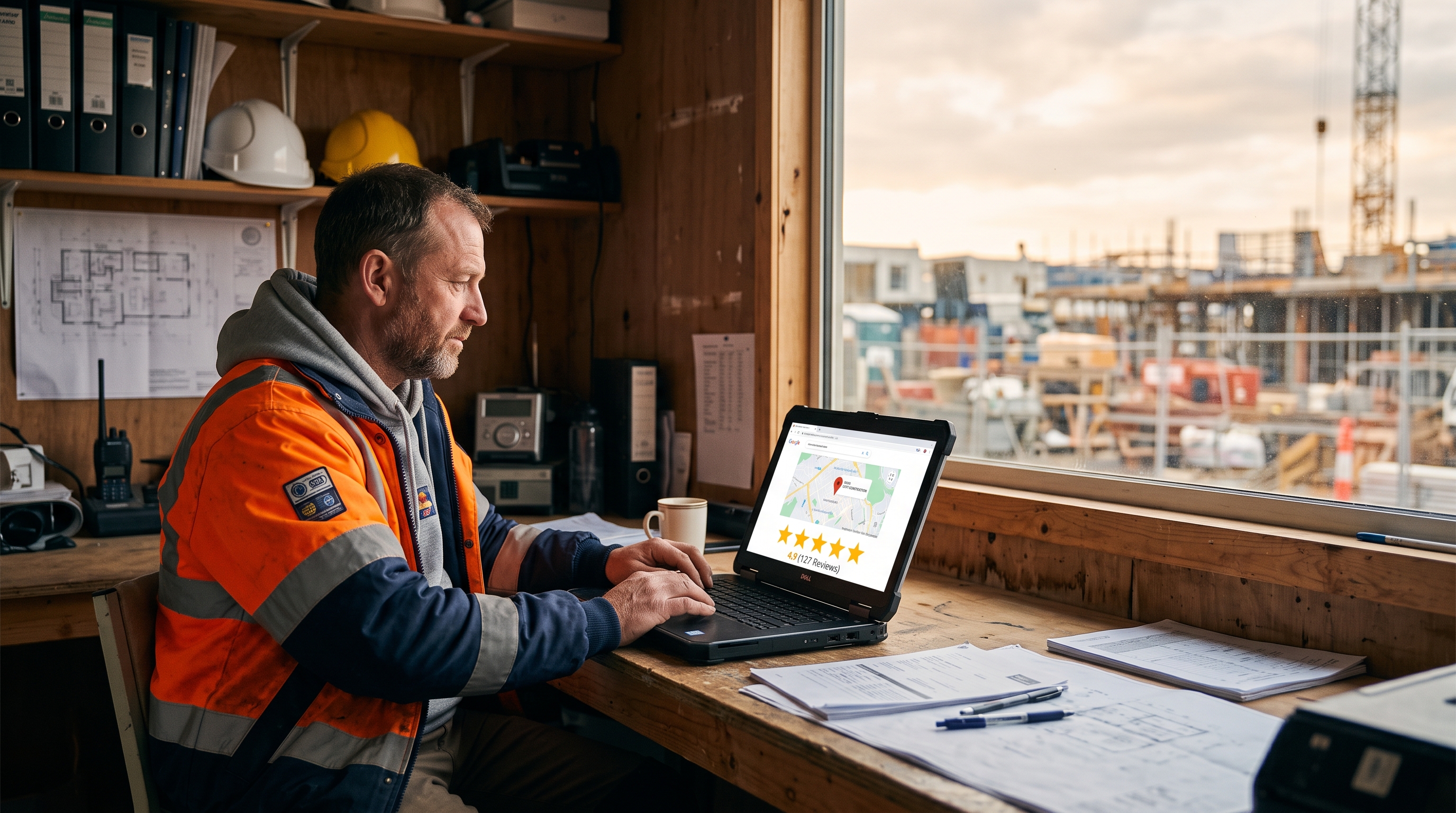
The simplest way for a builder to get Google reviews is to ask every customer, by text, on the day the job is signed off, using the profile's short review link. Google says more reviews and positive ratings can help a business's local ranking.
A text is quick to act on while the job is fresh; an email a week later is easy to ignore.
Two rules matter. Never offer anything in exchange for a review, because Google's policies ban incentivised reviews. And ask everyone, not only the clients you expect to be happy, because Google also bans selectively asking for positive reviews.
Reply to every review within a few days. For a negative review, reply once, briefly and factually, apologise where it is fair, and offer to talk offline. Google says positive reviews and helpful replies can help a business stand out. Reviews are one of several factors covered in local SEO for builders.
Are Google Business Profile posts worth it for builders?
Google Business Profile posts are worth a few minutes a fortnight for most builders: a photo of a finished job with two lines of text shows customers recent work and an active business. Posts appear in the Updates or Overview tab of the profile on Search and Maps.
Google offers three post types: updates, offers and events. For a builder, updates do most of the work: a photo, a short description and a button linking to the matching service page. Posts can be scheduled in advance.
Google does not say that posts improve rankings, so treat Google Business Profile posts as shop-window upkeep rather than an SEO trick.
Older guides also recommend filling the profile's Questions and answers section. Google has been withdrawing that feature from Business Profiles, so put the questions customers ask most on the website's FAQ page instead, where people and search tools can read them.
What gets a builder's Google Business Profile suspended?
Google can suspend a builder's Google Business Profile for breaking its guidelines for representing a business. The main causes are:
- Keywords, locations or taglines added to the business name
- A virtual office, mailbox or PO box used as the address
- Categories used as keywords or for services the business does not provide
- More than one profile for the same business or location
- Paid, incentivised or fake reviews, including reviews from staff or family
- Premium-rate or referral phone numbers
The business name field should contain the real-world name and nothing else. "Smith Building" is fine. "Smith Building | Extensions Loft Conversions Manchester" breaks the rules.
If a profile is suspended, fix the cause, then request reinstatement through Google Business Profile support with evidence that the business is real. A new profile created to get around a suspension is a duplicate.
What should UK builders know about Google Business Profiles?
UK builders should set service areas by town or postcode district, keep the business name and phone number consistent with Companies House and trade directories, and mention only memberships they really hold.
- Service areas: a London builder may cover a few boroughs; a rural builder in Cumbria or Cornwall may cover most of a county, within Google's guideline of about 2 hours' driving.
- Trade memberships: mention FMB, TrustMark, NICEIC, NAPIT, Gas Safe Register or NFRC only if current, with the registration number on the website.
- Directories: Checkatrade, MyBuilder and Rated People run their own review systems, separate from Google, so keep the name and number identical on all of them.
- Fake reviews law: since 6 April 2025, the Digital Markets, Competition and Consumers Act 2024 has banned fake reviews and concealed incentivised reviews, and the Competition and Markets Authority (CMA) has published guidance. Buying or writing reviews is a legal risk, not only a breach of Google's rules.
The profile is one piece of a wider online presence for a construction company. For other free ways to bring in work, see how to get more construction leads.
How often should a builder update a Google Business Profile?
A builder should spend about 15 minutes a fortnight on a Google Business Profile, plus a check whenever services, hours or the phone number change. Use this ConstructionWebDesign.uk fortnightly checklist:
- Post one update: a finished job photo, two lines on what was done and where, and a link to the matching service page.
- Add 3–5 new photos from recent jobs.
- Reply to every new review.
- Text the review link to every client whose job signed off in the last two weeks.
- Check hours, phone number and services, including holiday closures.
- Check for edits Google or the public have suggested to the profile, and correct any that are wrong.
Illustration: a builder who finishes two jobs a month and asks every client sends 24 review requests a year. If half of them left a review (an assumption, not a benchmark), the profile would gain 12 recent reviews a year at no cost.
How ConstructionWebDesign.uk can help
ConstructionWebDesign.uk is a UK web design agency that only builds websites for construction companies and trades. The £1,000 Website package is a one-off fixed price with no subscription and includes custom domain and hosting setup, service pages, mobile-first design and on-page local SEO, so the website a Google Business Profile links to backs it up. Sites go live in 7 days from the discovery call, and the client owns the website. Read more about SEO for construction companies or book a free 30-minute call.
Frequently asked questions
Is a Google Business Profile free for builders?
Yes, a Google Business Profile is free for builders and every other business. Google does not charge to create, verify or manage a profile. Be wary of anyone who charges to "register" a business with Google or promises a top position, because Google says no one can guarantee a number one ranking.
Can a builder have a Google Business Profile without showing an address?
Yes, a builder can have a Google Business Profile without showing an address by setting it up as a service-area business. Google still needs an address for verification, but its guidelines say service-area businesses should hide that address and list up to 20 towns or postcode areas they serve, within about 2 hours' driving.
How long does Google Business Profile verification take?
Google says verification review can take up to 5 business days after you complete the steps, and occasionally longer. If Google offers verification by postcard, the postcard usually arrives within 14 days. Video verification, when offered, is recorded on a phone through the Business Profile.
Can I ask customers for Google reviews?
Yes, you can ask customers for Google reviews, as long as you ask everyone and offer nothing in return. Google's policies ban incentivised reviews and selectively asking happy customers only. In the UK, the Digital Markets, Competition and Consumers Act 2024 also bans fake reviews and concealed incentivised reviews, with guidance from the Competition and Markets Authority.
Why is my building company not showing on Google Maps?
A building company may not show on Google Maps because the profile is unverified, incomplete, or less relevant or prominent than nearby competitors. Google ranks local results on relevance, distance and prominence. Check the profile is verified, the category is specific and every service is listed, then search from inside your service area.
Sources
- Google: Guidelines for representing your business
- Google: Tips to improve your local ranking on Google
- Google: Verify your business
- Google: Verify your business with a video recording
- Google: Manage your service areas
- Google: Edit your Business Profile
- Google: Create and manage posts
- Google: Get and respond to reviews
- Google Maps user contributed content policy: fake engagement
- Google Search Central: Do you need an SEO?
- GOV.UK (CMA): Fake reviews guidance
Want a website that brings in work like this?
ConstructionWebDesign.uk builds construction websites for a fixed £1,000, live in 7 days. Book a free 30-minute call to talk through your website.